
Industrial Automation
Two dates on a carton can send the wrong stock out first
Map GS1 best-before and expiry fields separately before a warehouse system uses dates to allocate lots. An example shows how a default field can reverse the pick order.
A scanner can read a date perfectly and still send the wrong lot to the picking face. GS1 application identifier (15) represents a best-before date and (17) an expiration date. A warehouse that stores either value in a single generic date column loses the distinction the supplier encoded. Agree the date type relevant to the product and the customer’s order before sorting the stock.
Trace the allocation, using one date type
Suppose an Australian distribution centre has two lots of the same product on 1 June. Under an illustrative customer agreement, the order requires at least 30 days to the applicable expiry date on dispatch. Lot A expires on 29 June, 28 days away. Lot B expires on 7 July, 36 days away. B clears the contractual check and A needs a different disposition under the site's procedures. The 30-day value is a customer example, not a shelf-life rule.

Worked data
Lot | Expiry entered for the example | Days from 1 June |
A | 29 June | 28 |
B | 7 July | 36 |
Download the figures in this worked example (CSV)
Preserve the meaning of an empty field
A third carton carries a best-before date but no expiry in its scan. Put that carton into the workflow for resolving missing or inapplicable data. Substituting the best-before value would quietly change the customer's allocation test. A scanner log that records the raw application identifier alongside the parsed date makes this much easier to diagnose.
At commissioning, use labels with (15) alone, (17) alone and both fields. Enter the expected stock decision before the test. Compare the decoded date, the field stored in the warehouse system and the actual pick recommendation. If the first two are right and the third is wrong, the defect sits in the allocation rule. Questions about sale, food safety or relabelling belong with the relevant product rules and responsible staff.
Sources
GS1 · Application Identifier definitions
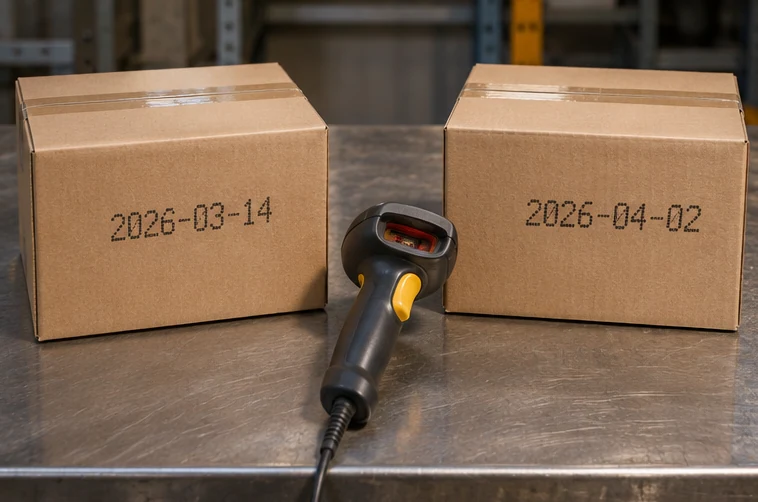
Cover illustration by Industry Applied, generated with AI. A scanner beside two cartons with different date markings.
Related reading
A scanner can read a date perfectly and still send the wrong lot to the picking face. GS1 application identifier (15) represents a best-before date and (17) an expiration date. A warehouse that stores either value in a single generic date column loses the distinction the supplier encoded. Agree the date type relevant to the product and the customer’s order before sorting the stock.
Trace the allocation, using one date type
Suppose an Australian distribution centre has two lots of the same product on 1 June. Under an illustrative customer agreement, the order requires at least 30 days to the applicable expiry date on dispatch. Lot A expires on 29 June, 28 days away. Lot B expires on 7 July, 36 days away. B clears the contractual check and A needs a different disposition under the site's procedures. The 30-day value is a customer example, not a shelf-life rule.
Worked data
Lot | Expiry entered for the example | Days from 1 June |
A | 29 June | 28 |
B | 7 July | 36 |
Download the figures in this worked example (CSV)
Preserve the meaning of an empty field
A third carton carries a best-before date but no expiry in its scan. Put that carton into the workflow for resolving missing or inapplicable data. Substituting the best-before value would quietly change the customer's allocation test. A scanner log that records the raw application identifier alongside the parsed date makes this much easier to diagnose.
At commissioning, use labels with (15) alone, (17) alone and both fields. Enter the expected stock decision before the test. Compare the decoded date, the field stored in the warehouse system and the actual pick recommendation. If the first two are right and the third is wrong, the defect sits in the allocation rule. Questions about sale, food safety or relabelling belong with the relevant product rules and responsible staff.
Sources
GS1 · Application Identifier definitions
Cover illustration by Industry Applied, generated with AI. A scanner beside two cartons with different date markings.